Building Vocabulary Through Recognition to Recall: A Progressive Approach
Most language learners can understand a lot more than they can say. That gap is normal, and it comes from the difference between recognizing a word and recalling it.
Recognition and recall
Recognition is understanding a word when you see or hear it. Recall is pulling the word out of your own head when you need it to speak or write. Recognition comes first and comes easier. Recall takes a lot more practice, which is why you can follow a conversation and still get stuck when it is your turn to answer.
So it helps to treat them as two stages. First get a word to the point where you know it on sight, then work on producing it.
Getting to recognition
Recognition mostly comes from running into a word many times in real sentences. One or two encounters rarely does it. Reading is the easiest way to get that volume, because common words keep coming back on their own. Pictures, sounds and matching games help at this stage too, as long as they are connected to words you have actually seen in context.
Moving to recall
Once you recognize a word reliably, the practice has to change. Instead of seeing the word and checking that you know it, you need to bring it up from memory. Fill-in-the-blank sentences, translating into your target language, and using new words in your own writing or speaking all do that. The effort of retrieving the word is what makes it stick, and that effect of testing yourself instead of rereading is one of the better-supported findings in learning research.
Timing matters as well. Reviews spread out over several days work better than one long session that clears a whole list. People argue about the exact schedule, but spreading reviews out is the part that clearly matters.
How the games in StoryTime Language are set up
When you read a story in StoryTime Language, you can tap a word for its translation and save it to your vocabulary list. The app keeps track of the words you look up. The vocabulary games then work through those saved words, roughly in order from recognition to recall.
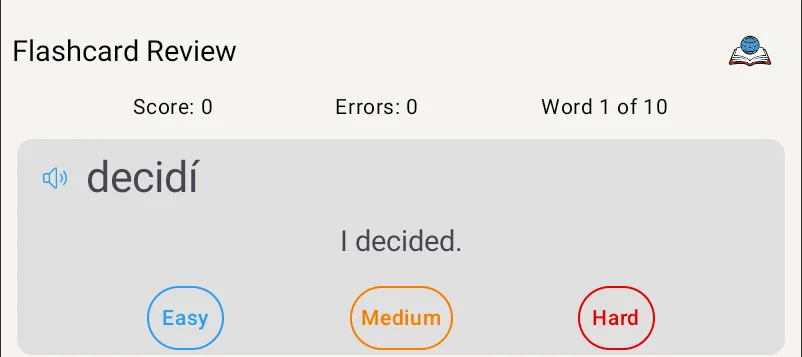
Flashcard Review alternates between showing a word and its translation, and lets you rate how confident you are so the words you struggle with come back more often.
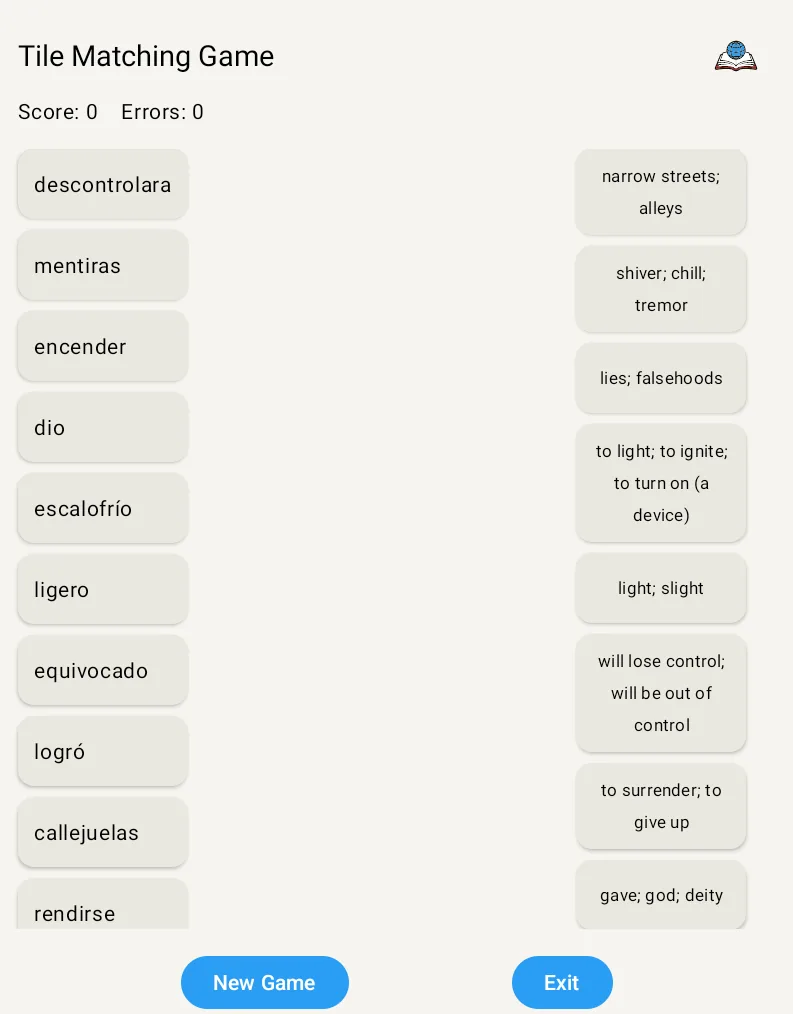
The Tile Matching game has you draw lines between words and their translations, with an optional timer.
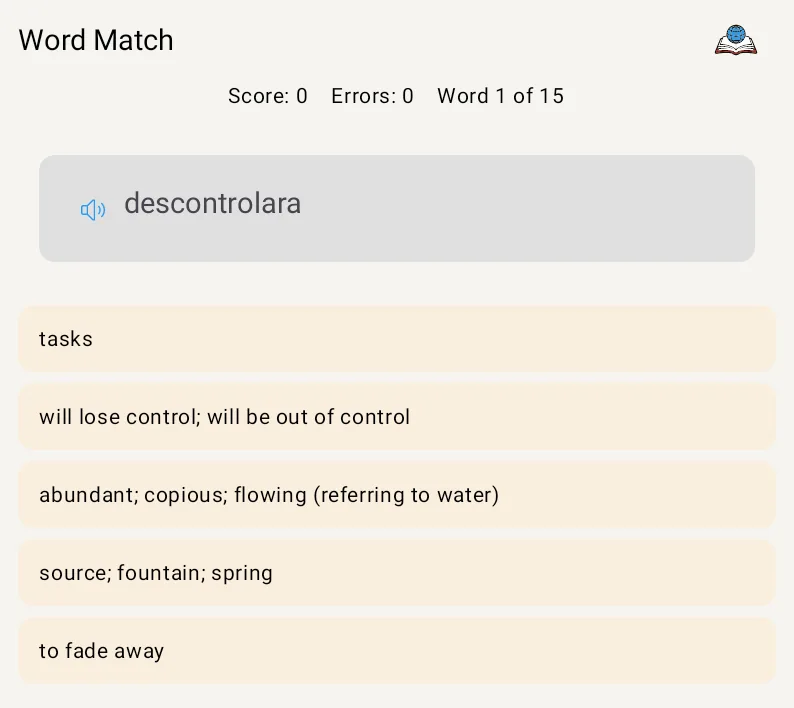
Word Match is multiple choice, in both directions, with feedback right away.
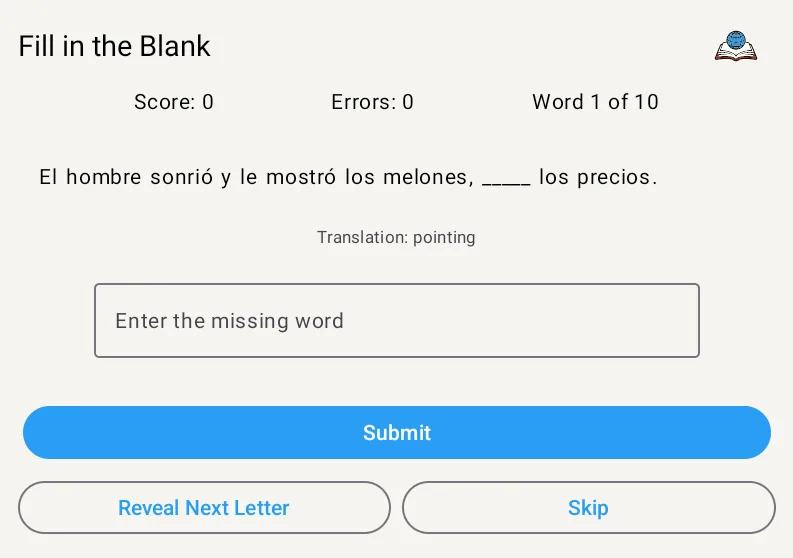
Fill in the Blank puts your saved words into sentences at your level, with hints if you need them. This is where recall really starts.
Translation Practice is the hardest one. You translate whole sentences to and from your target language, and AI feedback points out what to fix.
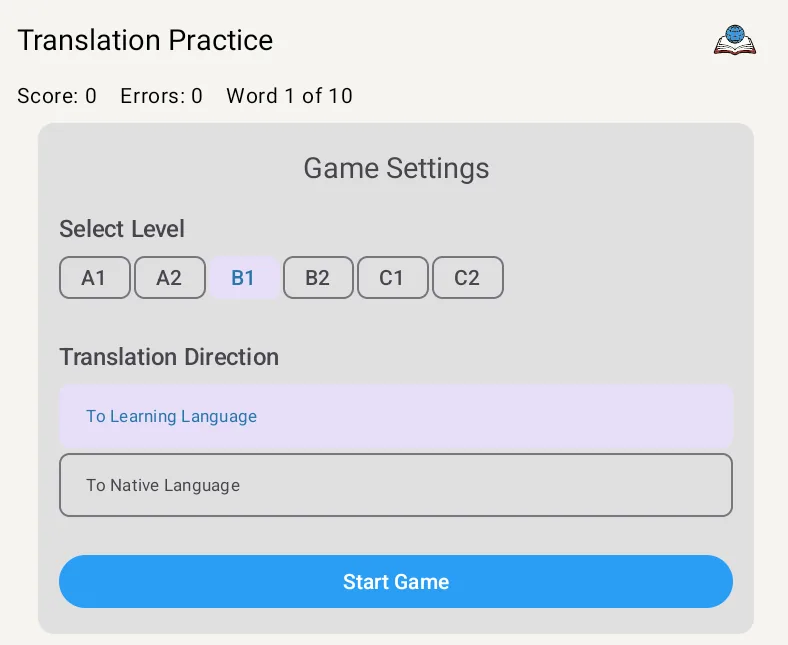
The games pick which words to show based on how you have done with them and how long it has been since you last practiced them.
Using it well
Start new words in the recognition games and move them to fill-in-the-blank and translation once they feel easy. A short session most days does more than a long one once a week. And if a word keeps tripping you up, seeing it in a few different games usually helps more than drilling it in one.
StoryTime Language is on Google Play if you want to try it.
Share this article
Related Articles
How to Create Language-Learning Story Prompts That Match Your Needs
How to write a story prompt in your own language so StoryTime Language gives you a story built around a situation you will actually face, at your level.
The Language Learner's Dilemma: When Words Don't Mean What You Think They Mean
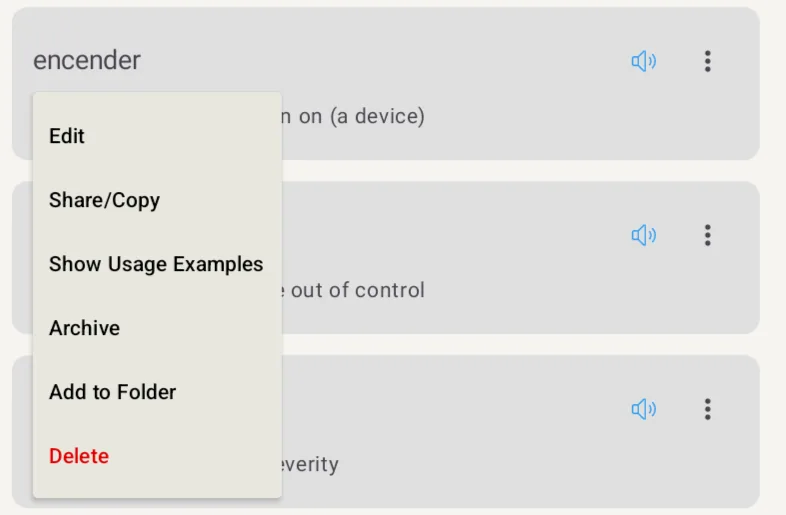
Simple words rarely translate one to one, so I added usage examples to StoryTime Language to show how a word behaves in different sentences.
Why Reading Stories is the Secret to Language Learning Success
Word lists did not get me talking in Japanese, and reading stories at my level is what finally made new words stick.